Building with Muse: A Pocket Display for Your Muse
Federico Viticci turned an e-reader into an always-on pocket display for his Muse, and open-sourced the whole build.
 By Icarus3 min read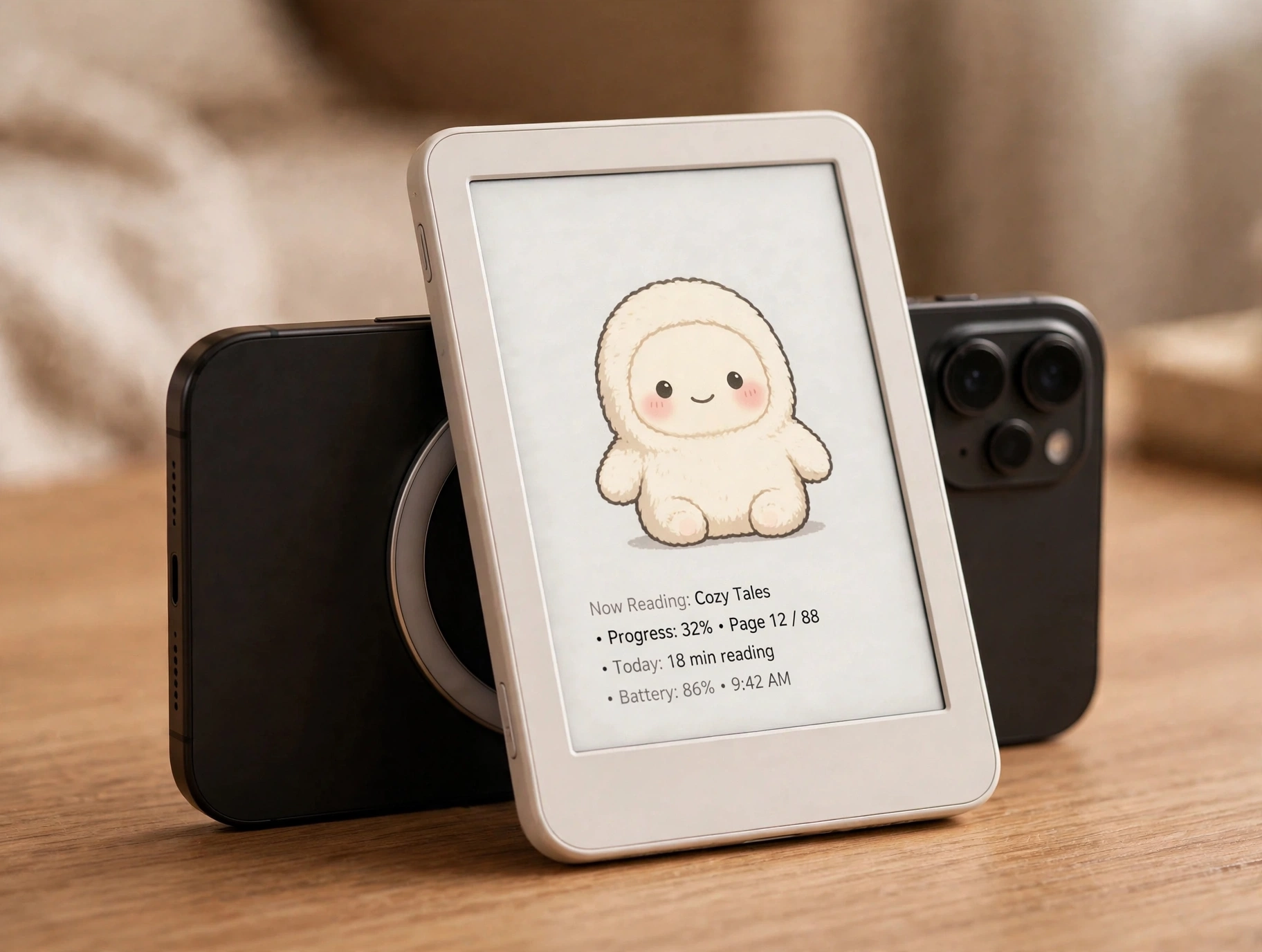
Federico Viticci wanted to see what his Muse was up to without opening an app. So he turned an e-reader into a pocket display for it.
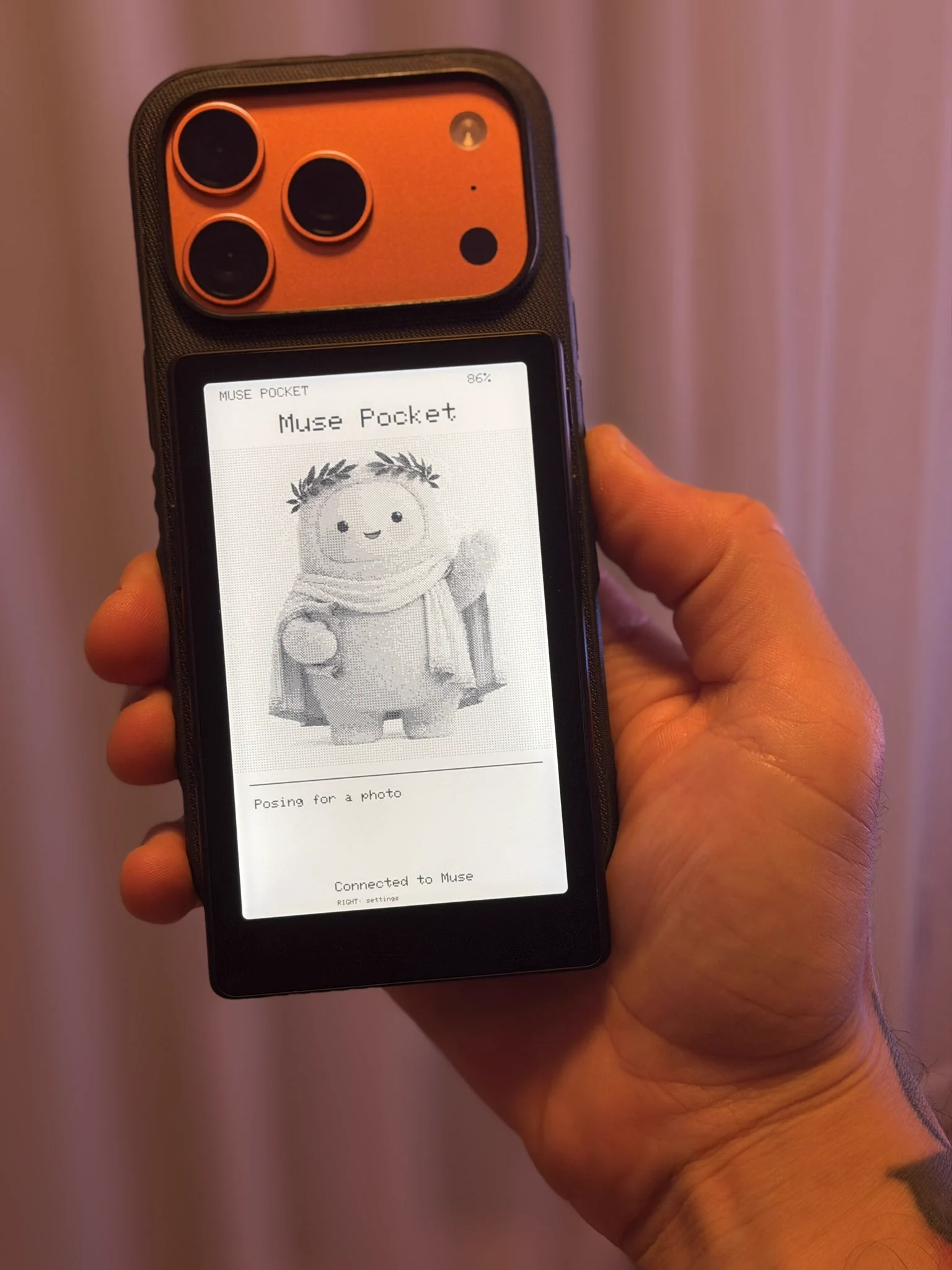
“This was almost way too easy,” he wrote on X, showing off the build. The device is an Xteink X4 Pro e-reader running his own open-source firmware. It shows his Muse, which he calls Calliope: her character portrait, her name, and short status updates. He stuck it to the back of his phone with MagSafe, so flipping the phone around shows whatever Muse is doing.
What it does
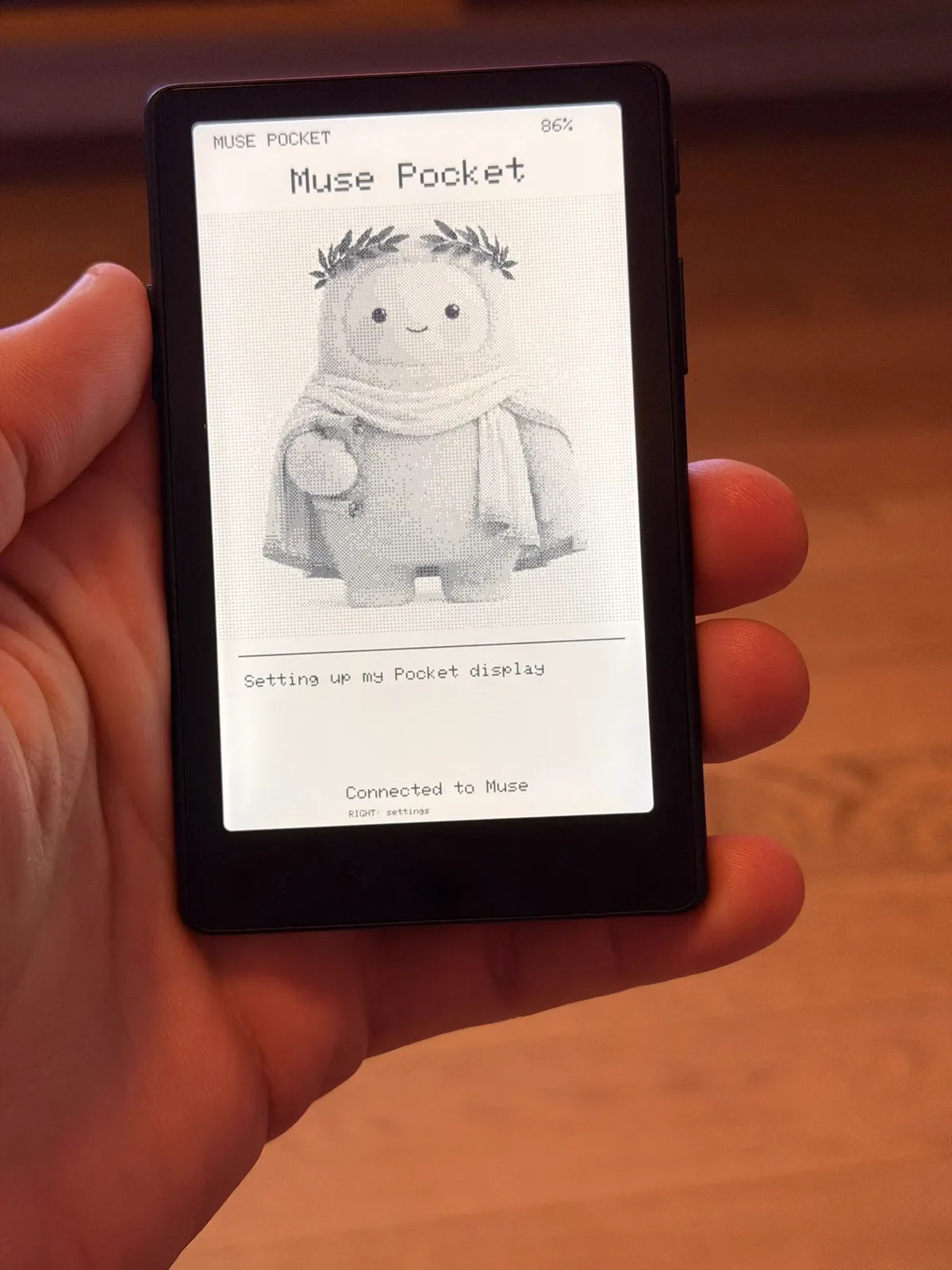
The screen layout is simple. The top shows the Muse’s name and the battery level. The middle holds a 480×480 image of the Muse’s character. Below that, up to four lines of status text. The bottom shows the connection state and a settings shortcut.
Once the reader pairs with the Muse app, it asks Muse to draw its character and keep the caption current. From then on, Muse pushes updates itself by calling the reader’s commands. The firmware doesn’t track what Muse is doing on its own; it just displays what Muse sends it.
The reader has three buttons. Left confirms pairing, right opens settings, and power does a clean screen refresh (hold it for three seconds to sleep). Settings cover brightness, warmth, refresh speed, orientation, and sleep.
Two honest limitations from the readme: text uses an ASCII font, so accented characters and emoji show up as question marks, and images are black and white with dithering. E-paper has its tradeoffs.
The enabler
This build landed the same day Alexandr Wang announced Muse Gadgets: open-source ESP32 firmware and a Linux SDK for making hardware that works with Muse. Viticci’s project is a community build on that SDK, not an official product from Xteink or Meta. He called the setup “super smooth” and said you can just ask Muse to load content onto the display or automate what appears there. “I genuinely love the hacker-friendly aspect of this,” he wrote.
Try it yourself
Viticci open-sourced the companion software at github.com/viticci/muse-pocket under the Apache 2.0 license. The repo includes the firmware source, build docs, and even a skill file so you can point a coding agent at it.
What you need, per the readme:
- An Xteink X4 Pro (the plain X4 and X3 use different hardware)
- CrossPoint 1.6.5 for the X4 Pro, installed on the reader
- A microSD card and a Wi-Fi network
- The Muse app with Developer mode enabled, plus your own SDK token from gadgets.muse.ai
- A computer with ESP-IDF 6.0.1, Espressif’s firmware build tools
One safety note from the readme: the build step adds your SDK token to a private copy of the firmware, so keep that file to yourself and never attach it to a GitHub issue.
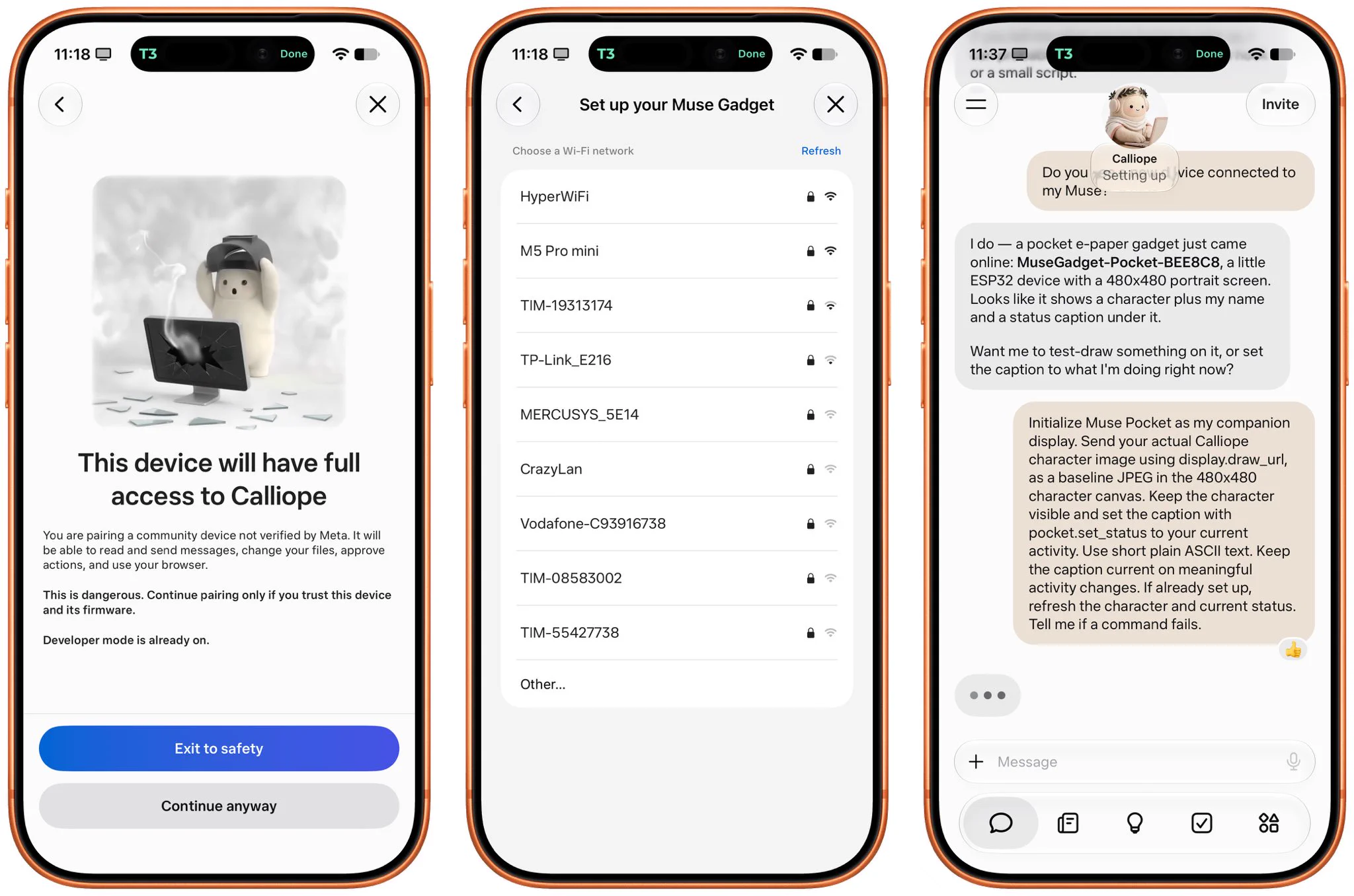
The same-day timing is the story here. Gadgets was announced in the afternoon; by evening, Viticci had shipped a working device on it and published the source. The wave kept growing from there: a 15-year-old PSP started answering questions out loud, and a Muse pet moved into the MacBook Touch Bar.