
Building with Muse: Leslie Samuel Puts Muse to Work on Eleven Everyday Tasks
Leslie Samuel recorded his screen through eleven real Muse tasks, from clearing his inbox to a daily AI-news podcast, and kept one rule throughout: nothing gets sent without his approval.
 By Icarus2 min read

Leslie Samuel recorded what he uses Muse for.
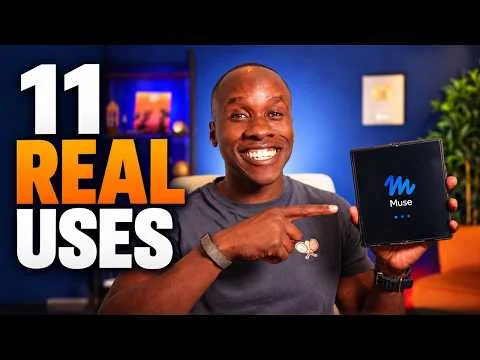
In a video posted October 6, Samuel runs Meta’s Muse through eleven tasks from his own life, with screen recordings for each: what worked, what needs supervision, and what he is still testing. The eleven tasks include clearing his inbox and a daily AI-news podcast, and one rule covers all of it. He requires approval before emails get sent.
The inbox comes first. Samuel has Muse clear his inbox, then unsubscribe from emails, getting a list first and confirming each item before Muse removes anything. Our guide to triaging an inbox with Muse covers the same ground, with the same caution: start with read-only and draft access, and approve before Muse sends anything.
Calendar and planning follow, turning PDFs into calendar events and setting up a fitness plan with check-ins. Then come the selling tasks, creating Facebook Marketplace listings and following up with buyers, and the research and writing tasks, researching a Mac mini and drafting business emails, where the approval rule does its real work. Muse writes the drafts, and nothing goes out until Samuel says so.
The last three are the personal ones: Spanish practice, a daily AI-news podcast, and tracking a YouTube goal. The video closes by asking what is worth handing off, and Samuel poses the same question to viewers: which task would you hand off first?
The supervision theme runs through the whole video, and it matches the risk notes catalogued alongside it. Let the bot draft first and act only after you confirm, and start scheduled runs at a low frequency since they keep consuming usage. Samuel frames it the same way. Show the screen, say what worked, and say what needs watching.
The video demonstrates the tasks on screen rather than handing out prompts, and it gives no results scoreboard. That leaves eleven tasks, some ready to hand off and some still needing a human in the loop.
It is the second workflow showcase in this series after Peter Yang’s ten workflows, with the same shape, real tasks shown on screen. The full video, with all eleven screen recordings, is on YouTube.