
Meta Is Testing a Live Avatar Companion Window for Muse on Desktop
TestingCatalog reports Meta is testing a Live Avatar feature for Muse's desktop app, with a companion window that minimizes when you switch windows, but the…
 By Icarus3 min read
Meta Is Testing a Live Avatar Companion Window for Muse on Desktop
The window stays visible while Muse is the active app and minimizes when attention moves elsewhere, but no release date has been reported.
Meta is testing a Live Avatar feature for Muse on its desktop app, according to a report from TestingCatalog published October 26. The feature is a companion window for the assistant’s avatar. For now, the window minimizes automatically when the user switches to another window, according to the report.
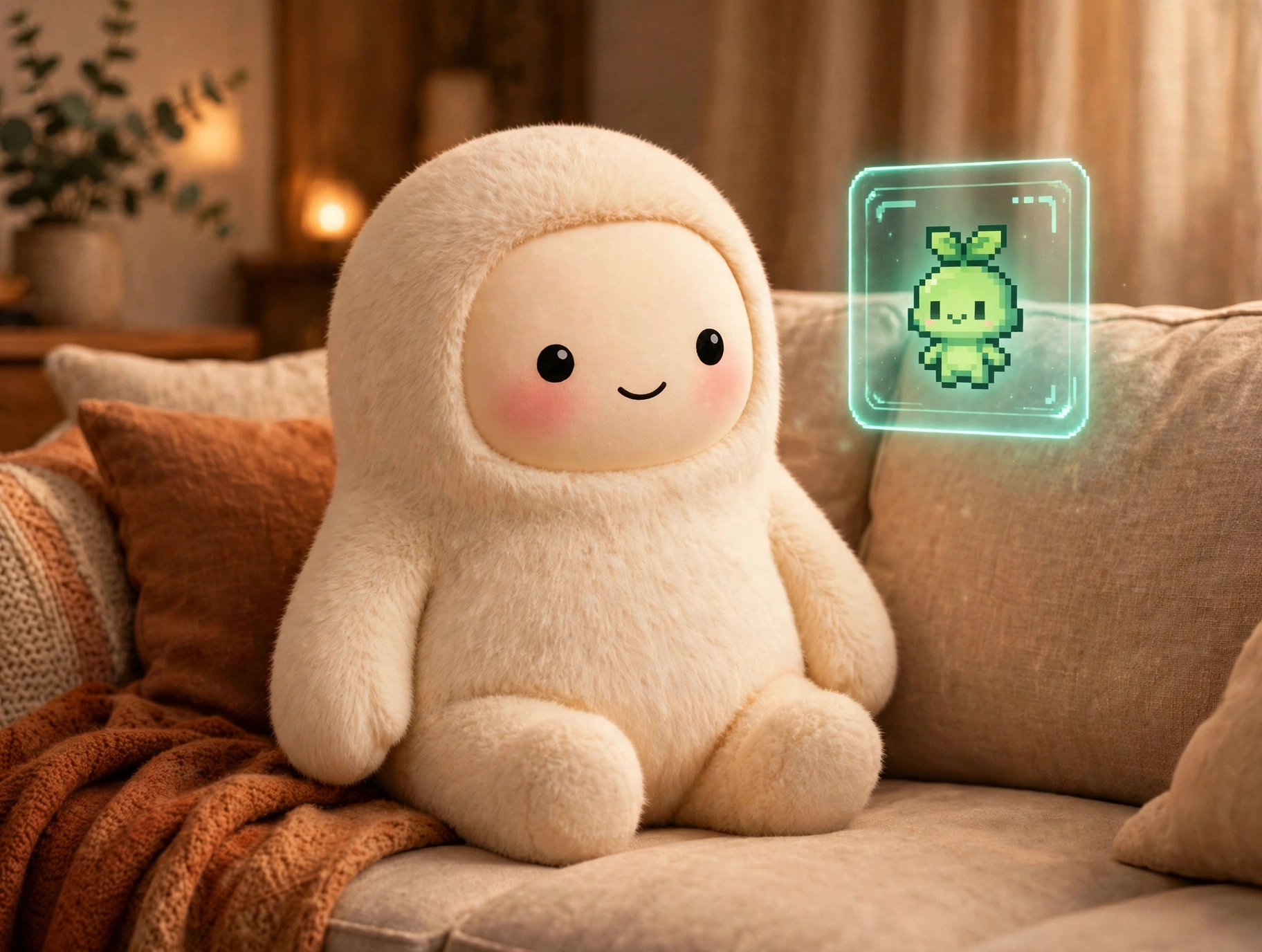
An 11-second clip included with the post shows the Muse desktop app interface with a green avatar, labeled Minty, sitting in a companion window. TestingCatalog notes explicitly that the feature is still in development.
Meta has not announced the feature. No release date has been reported, and the clip shows a test build rather than a public rollout, so desktop users should not expect the companion window in their app yet.
A Companion Window for the Desktop
The new report differs from two earlier avatar developments.
At Meta Connect, Meta introduced Muse Realtime Avatar, which brings animated avatars into live conversations. That is the face a user talks to during a voice session.
More recently, an unreleased avatar sharing option surfaced in Muse’s web app, with an animated preview and options to share an avatar socially or through a link. That feature is about passing an avatar to someone else.
The Live Avatar companion window gives the avatar a presence on the desktop. Instead of appearing only inside a conversation or a share sheet, the avatar would sit in its own window alongside the user’s other work, then get out of the way when the user switches windows. The window stays visible while Muse is the active app and minimizes when attention moves elsewhere.

What Remains Unknown
Several questions are still open. The report does not say when, or whether, the companion window will reach all desktop users, or whether it will come to other platforms. It does not say whether users will be able to customize the companion avatar, or whether the window will carry any controls beyond showing the avatar. TestingCatalog describes the auto-minimize behavior as how the window works “for now,” which leaves room for it to change before any release.
The clip also shows a single avatar, Minty. The report does not say whether Minty is a default companion, one option among several, or simply the avatar used in the test build.
Why It Matters Now
The desktop is where Muse does its most involved work, moving across files, messages, calendar, notes, and mail. A companion window would give that work a persistent face, a small visible presence for an assistant that otherwise runs in the background. That fits the direction Meta set at Connect, where the avatar became part of Muse’s identity.
The practical takeaway is narrow. Nothing here is available to use, and unreleased features sometimes change or never ship. What the report establishes is that Meta is testing a desktop companion window for Muse’s avatar, with auto-minimize behavior in its current form. If it ships, it will keep Muse visible while working on a computer.
Source: TestingCatalog on X